Top Network Access Control Solutions to Secure Access
February 24, 2026

Businesses rely on fast, secure connections to keep operations running. But without the right access controls, your network can become vulnerable to unauthorized users and devices. In this blog, you’ll learn what network access control (NAC) is, how it works, and the key features to look for in a NAC solution. We’ll also cover real-world use cases, deployment tips, and common challenges to avoid. Whether you're trying to enforce access policies or improve your overall security posture, this guide will help you understand how to control access and protect your systems.
What is network access control, and why does it matter
Network access control (NAC) is a security approach that manages who and what can connect to your network. It checks devices before they connect and ensures they meet your company’s security policies. If a device doesn’t meet the rules, it can be blocked or given limited access.
NAC helps protect your network from threats like malware, unauthorized devices, and internal misuse. It also supports access management by enforcing role-based access and verifying device compliance. For growing companies, especially those with hybrid workforces, NAC is essential for maintaining a strong security posture.

5 critical reasons your NAC isn’t working as expected
Even with a NAC system in place, things can go wrong. Here are five common issues that can stop your NAC from doing its job effectively.
Mistake #1: Skipping device profiling
If your NAC doesn’t identify what type of device is connecting, it can’t apply the right access rules. Device profiling helps you know if it’s a laptop, smartphone, or printer—and whether it’s secure.
Mistake #2: Not updating access policies
Outdated access policies can leave gaps in your security. As your business changes, your NAC rules should too. Regularly review and update policies to match new users, devices, and threats.
Mistake #3: Poor integration with other systems
Your NAC should work with your existing IT tools, like firewalls and antivirus software. If it doesn’t, you’ll miss out on key data and automation that improve security.
Mistake #4: Ignoring guest access controls
Visitors and contractors often need temporary network access. Without proper guest controls, they can become a security risk. Set up separate access paths and time limits for these users.
Mistake #5: Overlooking user training
Even the best NAC solution can fail if users don’t follow the rules. Make sure your team understands how to connect safely and what to do if access is denied.
Essential features of a strong NAC system
A reliable NAC system should include these key features:
- Automated device discovery and profiling for better visibility
- Role-based access control to limit user permissions
- Real-time policy enforcement to block non-compliant devices
- Integration with existing security tools and directories
- Guest access management with customizable rules
- Reporting and alerts for tracking access events
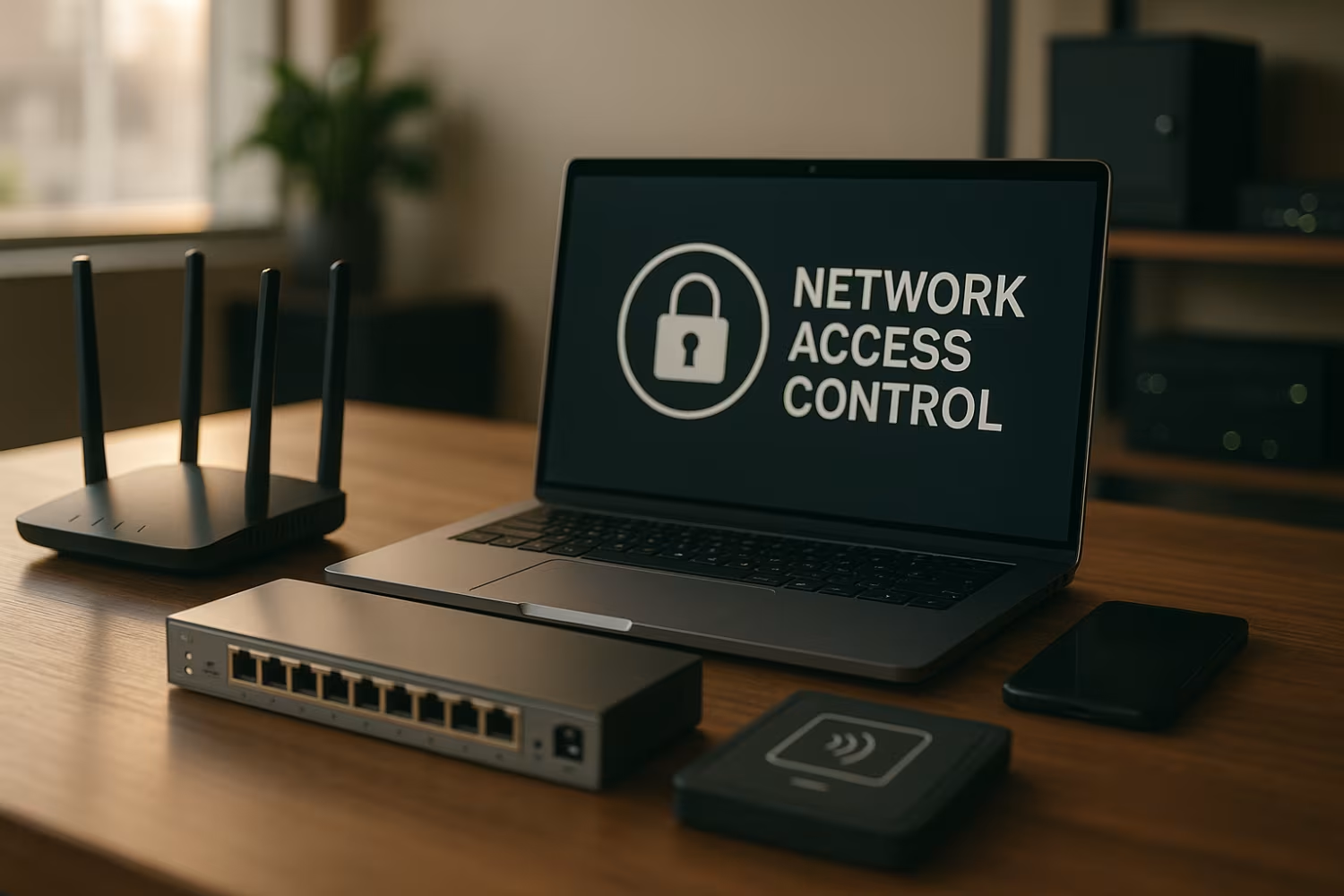
How NAC supports overall network security
NAC plays a major role in protecting your business from both internal and external threats. It ensures that only approved users and devices can access the network, reducing the risk of data breaches. By enforcing security policies at the point of entry, NAC helps prevent malware from spreading across systems.
It also supports compliance with industry regulations by documenting who accessed what, when, and how. For businesses in regulated industries, this level of control is often required. NAC gives you the tools to monitor, manage, and secure every connection.
Real-world use cases for network access control
NAC systems are used in many ways depending on the business needs. Here are some common use cases that show how NAC can help.
Use case #1: BYOD environments
When employees bring their own devices, it’s hard to control what connects to the network. NAC can check each device for compliance and limit access if needed.
Use case #2: Remote work security
With more people working remotely, NAC helps ensure that only secure, approved devices can connect to the network—even from outside the office.
Use case #3: Guest and contractor access
Temporary users need limited access. NAC can create separate access paths and apply time-based restrictions to keep your core systems safe.
Use case #4: IoT device management
Smart devices like printers and cameras often lack strong security. NAC can detect these devices and isolate them from sensitive systems.
Use case #5: Compliance enforcement
For industries with strict rules, NAC helps enforce access controls and provides logs for audits and reporting.
Use case #6: Department-based access
NAC can apply different rules based on departments, like giving HR access to payroll systems but not engineering tools.
Use case #7: Incident response support
If a device is compromised, NAC can quickly block it from the network to stop the spread of threats.

Planning a successful NAC deployment
Rolling out a NAC system takes planning. Start by identifying all devices and users that need access. Then, define your access policies based on roles, device types, and security levels. Make sure your NAC solution integrates with your current systems, like Active Directory and antivirus tools.
Test the system in stages before full deployment. Begin with a small group, monitor results, and adjust policies as needed. Training your IT team and end users is also important for a smooth rollout.
Best practices for managing NAC systems
To keep your NAC system effective, follow these best practices:
- Review and update access policies regularly
- Monitor logs and alerts for unusual activity
- Train users on secure connection practices
- Test new devices before allowing full access
- Integrate NAC with other security tools
- Document all changes and incidents
Keeping these habits in place will help you maintain strong network protection over time.

How Sterling can help with network access control
Are you a business with 20 to 80 employees looking for better control over who connects to your systems? As your team grows, so does the risk of unauthorized access and security gaps. That’s where a reliable NAC solution comes in.
At Sterling, we help businesses like yours plan, deploy, and manage network access control systems that fit your needs. Whether you’re securing remote workers, managing guest access, or improving compliance, our team is here to guide you every step of the way.
Frequently asked questions
What is a NAC solution, and how does it improve security?
A NAC solution is a system that controls which devices and users can connect to your network. It checks each connection against your access policies before allowing access. This helps prevent unauthorized users and risky devices from entering your systems.
By enforcing access controls and monitoring connections in real time, NAC improves your overall network security. It also supports access management by applying different rules based on user roles or device types.
How does NAC work with existing network infrastructure?
NAC works by integrating with your current network hardware and software. It connects to switches, routers, and firewalls to monitor traffic and enforce rules. It also syncs with directories like Active Directory to apply user-based access controls.
This setup allows NAC to control access without replacing your existing systems. It strengthens your security posture by adding another layer of protection at the network entry point.
What are the types of network access control?
There are two main types: pre-admission and post-admission NAC. Pre-admission checks devices before they connect, while post-admission monitors them after they’re on the network. Some systems combine both.
Each type helps enforce access policies and improve network security. The right choice depends on your business needs and how you want to control access.
What are the key NAC capabilities businesses should look for?
Look for features like device profiling, role-based access, and real-time enforcement. These help you manage who can access the network and under what conditions.
Also, choose a system that integrates with your existing tools and supports zero-trust network access. This ensures only verified users and devices can connect to the network.
How do access control solutions support compliance?
Access control solutions help you meet compliance by enforcing consistent security policies. They log who accessed what and when, which is useful for audits.
By using NAC to control access and document activity, you reduce the risk of violations. This is especially important in industries with strict data rules.
What’s the difference between an NAC list and firewall rules?
A network access control list (NAC list) defines who can connect based on IP, MAC address, or device type. Firewall rules manage traffic after a device is connected.
Both are important, but NAC lists focus on controlling access at the entry point. They work together to protect your network from different angles.

Landon Carter
Outside of work I enjoy traveling with my wife and son, helping coach little league baseball teams, and cheering on the Carolina Panthers.


