Multi-Factor Authentication: How MFA and Authentication Work
January 21, 2026
Multi-factor authentication (MFA) is no longer optional for businesses that want to protect their systems and data. With cyberattacks on the rise, relying on just a password isn’t enough. This blog explains how MFA works, why it matters, and what types of authentication methods you can use. You’ll also learn common mistakes to avoid, key benefits, and how to implement MFA effectively in your business.
We’ll cover everything from two-factor authentication to biometric options, and show you how MFA helps prevent unauthorized access during a login attempt. Whether you're using an authenticator app or a hardware token, understanding the right authentication method can make all the difference.
What is multi-factor authentication, and why does it matter
Multi-factor authentication (MFA) is a security process that requires users to provide two or more verification factors to access an account or system. Instead of just entering a password, users must confirm their identity using additional methods like a code sent to their mobile phone or a fingerprint scan.
This extra layer of protection helps reduce the risk of unauthorized access. Even if a hacker steals your password, they still need the second factor—like a one-time password or a physical device—to complete the login process. MFA is especially important for businesses handling sensitive information or managing remote teams.
Common mistakes businesses make when using MFA
Even with the best intentions, businesses often make errors when setting up or managing MFA. Here are some of the most common issues and how to avoid them.
Mistake #1: Relying only on SMS codes
SMS-based MFA is better than nothing, but it’s not the most secure option. Hackers can intercept messages or use SIM-swapping tactics to gain access. Consider using an authenticator app or hardware token instead.
Mistake #2: Not training employees
If your team doesn’t understand how MFA works or why it’s important, they may bypass it or make mistakes during setup. Provide clear instructions and ongoing support to ensure proper use.
Mistake #3: Using weak primary passwords
MFA adds a layer of security, but it doesn’t replace strong passwords. Make sure your employees use complex, unique passwords along with MFA to strengthen your authentication system.
Mistake #4: Skipping MFA on internal systems
Some companies only enable MFA for external access. Internal systems can also be targeted, especially through phishing attacks or social engineering. Apply MFA across all critical platforms.
Mistake #5: Ignoring backup options
If a user loses access to their second factor—like a lost phone—they may be locked out. Always provide secure backup methods, such as backup codes or alternate authentication factors.
Mistake #6: Not updating MFA settings regularly
Technology and threats evolve. Review and update your MFA settings periodically to ensure they still meet your security needs.
Key benefits of using multi-factor authentication
Adding MFA to your security setup offers several important advantages:
- Reduces the risk of unauthorized access from stolen passwords
- Protects sensitive information across devices and platforms
- Helps meet compliance requirements for data protection
- Increases user confidence in your system’s security
- Prevents damage from phishing and social engineering attacks
- Supports secure remote access for hybrid or remote teams
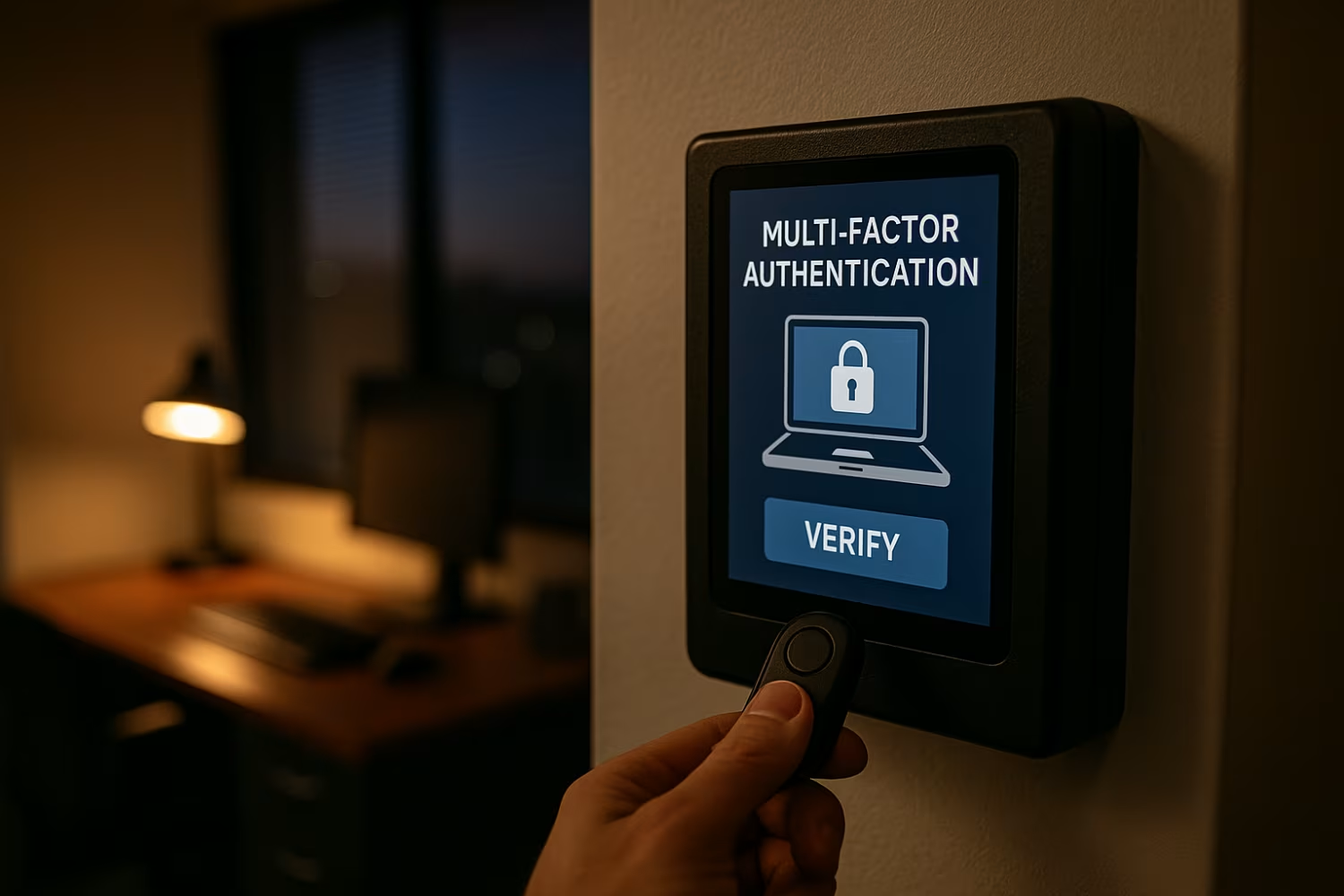
How authentication methods work in MFA systems
MFA uses different types of authentication factors to verify identity. These factors fall into three main categories: something you know (like a password), something you have (like a token), and something you are (like a fingerprint). Combining two or more of these factors makes it harder for attackers to break in.
For example, a user might enter a username and password, then confirm their identity using a biometric scan or a code from an authenticator app. Each login attempt is verified through multiple steps, making the authentication method more secure than traditional logins.
Types of authentication factors used in MFA
Different MFA setups use different combinations of authentication factors. Here are the most common types and how they work together.
Factor #1: Something you know
This includes passwords, PINs, or answers to security questions. It’s the most basic form of authentication but also the easiest to compromise.
Factor #2: Something you have
This could be a hardware token, software token, or a mobile phone that receives a one-time password (OTP). These are harder to steal remotely.
Factor #3: Something you are
Biometric authentication uses physical traits like fingerprints, facial recognition, or voice patterns. These are unique to each person and hard to fake.
Factor #4: Location-based factors
Some systems check your location during login. If you try to log in from an unusual place, access may be blocked or require extra verification.
Factor #5: Time-based restrictions
MFA can be configured to allow access only during certain hours. This limits the window for unauthorized access attempts.
Factor #6: Device recognition
Systems can recognize trusted devices and flag unfamiliar ones. This adds another layer of security to the login process.
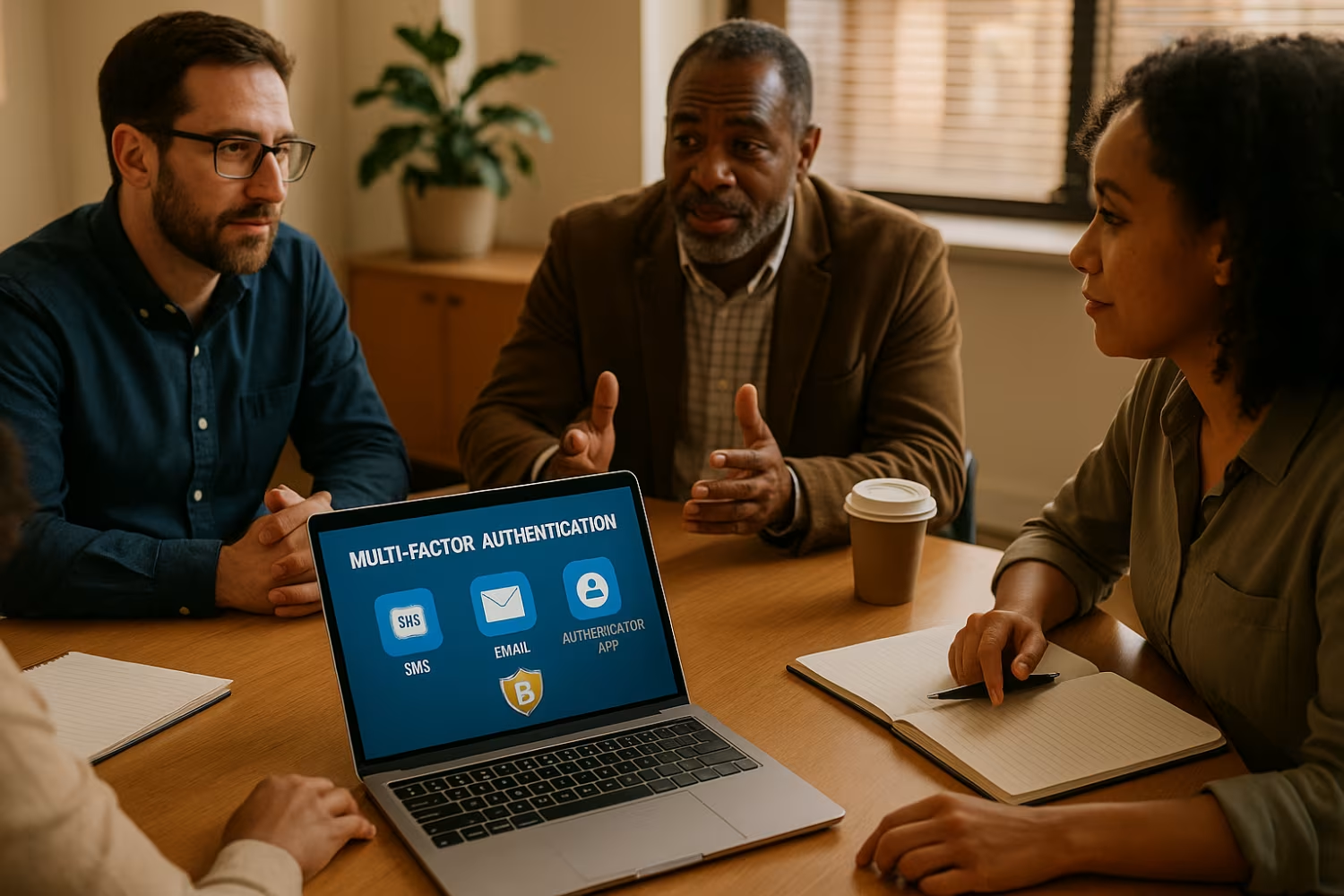
How to enable MFA in your business
Enabling MFA starts with choosing the right tools. Many platforms, like Microsoft Authenticator or Google Authenticator, offer easy integration. Decide which authentication methods work best for your team—such as biometrics, SMS, or authenticator apps.
Next, roll out MFA in phases. Start with high-risk accounts, then expand to all users. Provide training and support to make the transition smooth. Regularly review your MFA setup to ensure it stays effective as your business grows.
Best practices for managing MFA in your organization
To get the most out of MFA, follow these practical tips:
- Use multiple authentication methods to give users flexibility
- Require MFA for all critical systems, not just external access
- Train employees on how to use and recover MFA tools
- Review and update your MFA policies at least twice a year
- Monitor login attempts and flag suspicious activity
- Keep backup options available for lost or broken devices
Following these steps helps maintain strong security without disrupting daily operations.

How Sterling can help with multi-factor authentication
Are you a business with 20 to 80 employees looking for this solution? If you're growing and need better protection for your systems, it's time to take MFA seriously. MFA isn't just for large enterprises—it’s essential for small and mid-sized businesses too.
We help companies like yours set up and manage reliable MFA systems that fit your needs. From selecting the right authentication method to training your team, our experts make the process simple and secure. Contact Us today to get started.
Frequently asked questions
How does multi-factor authentication work in real-world scenarios?
Multi-factor authentication works by requiring users to verify their identity using more than one method. For example, after entering a username and password, a user might receive a one-time password on their mobile phone. This extra step helps prevent unauthorized access, even if the password is compromised.
In real-world use, MFA can include a biometric scan, a hardware token, or an authenticator app. These tools verify that the person logging in is who they say they are. It’s a simple but powerful way to protect sensitive information.
Why is MFA important for small businesses?
MFA is important because it adds a strong layer of security without being too complex. Small businesses are often targeted by phishing attacks and social engineering because they may lack advanced defenses. MFA helps reduce these risks.
By using two factors—like a password and a token—you make it much harder for attackers to gain access. This is especially critical when employees work remotely or handle sensitive data.
What are some examples of multi-factor authentication?
Examples of MFA include using a password plus a code from an authenticator app, or a fingerprint scan combined with a PIN. These combinations make it harder for hackers to break in.
Other examples include using a hardware token or receiving a one-time password via SMS. Each method adds a layer of protection to the login process.
What type of authentication is best for remote teams?
For remote teams, using an authenticator app or biometric verification is often the best choice. These methods are secure and don’t rely on physical devices being in the same location.
Remote workers can use software tokens or mobile phones to verify their identity. This helps prevent unauthorized access while keeping the login process simple.
How do I enable MFA on my systems?
To enable MFA, start by choosing a platform that supports it—like Microsoft Authenticator or Google Authenticator. Then, configure your systems to require a second factor during login.
You can use SMS, biometric scans, or software tokens as your second factor. Make sure to train your team and set up backup options in case someone loses access.
What are the different types of MFA authentication methods?
There are several MFA authentication methods, including something you know (like a password), something you have (like a token), and something you are (like a fingerprint). Each method adds a layer of protection.
You can also use adaptive MFA, which adjusts the level of verification based on risk. For example, it might ask for more proof if a login attempt comes from an unknown device or location.

Landon Carter
Outside of work I enjoy traveling with my wife and son, helping coach little league baseball teams, and cheering on the Carolina Panthers.


