Azure Cost Management Alerts: The Unexpected Risk to Your Budget
November 4, 2026

When teams treat budget alerts as the final step in Azure cost management, they gradually learn to ignore them. This can leave a business with an alert system no one trusts, right when a real overspend hits.
An Azure cost management setup usually starts with alerts tied to every budget threshold someone can think of. Each one fires on schedule, lands in an inbox, and waits for a response. The trouble starts when that response stops coming.
Once a team receives enough notifications, they stop reading them closely and start clearing them instead. A threshold alert that used to prompt a quick check becomes just another item to dismiss, and the system that was supposed to catch overspending quietly turns into something nobody watches. From there, a single missed alert can mean a budget overrun that disrupts a project timeline or forces a hard call about where money goes next. The more serious damage isn't the overrun itself but what it does to confidence in the alert system—once a team stops believing the alerts mean anything, the whole discipline of managing Azure costs starts to slip.
None of this is a flaw in the tools themselves. Azure cost management is built to track, analyze, and control cloud spending through budgets, alerts, and reports, and those features work exactly as designed. What they can't do is make someone act on what they're shown. A business that leans on alerts as its main line of defense may not even notice the moment its team starts tuning them out.
What follows traces how that drift happens, why it matters more than it looks, and what keeps a cost control system worth trusting.

Why alert fatigue develops in Azure billing
Alert fatigue sets in when a team gets so many notifications that reacting to each one stops feeling necessary. In Azure billing, it usually starts from a reasonable place: alerts configured for every budget threshold worth watching. The intention is thorough coverage, but the volume itself becomes the problem, since each additional alert makes the next one feel a little less urgent.
That erosion accelerates when alerts fire on spending that was expected all along. A project that routinely runs a bit over plan trains its team to read every notification as background noise, and once that pattern sets in, a genuine problem has to compete for attention it no longer automatically gets.
The result isn't really a technical failure—it's a human one. People stop responding to signals that have stopped feeling meaningful, and that habit doesn't discriminate between routine notices and the one alert that actually mattered. Missed overspend warnings follow, and with them, a creeping distrust of the entire cost management process.
The hidden impact on business decisions
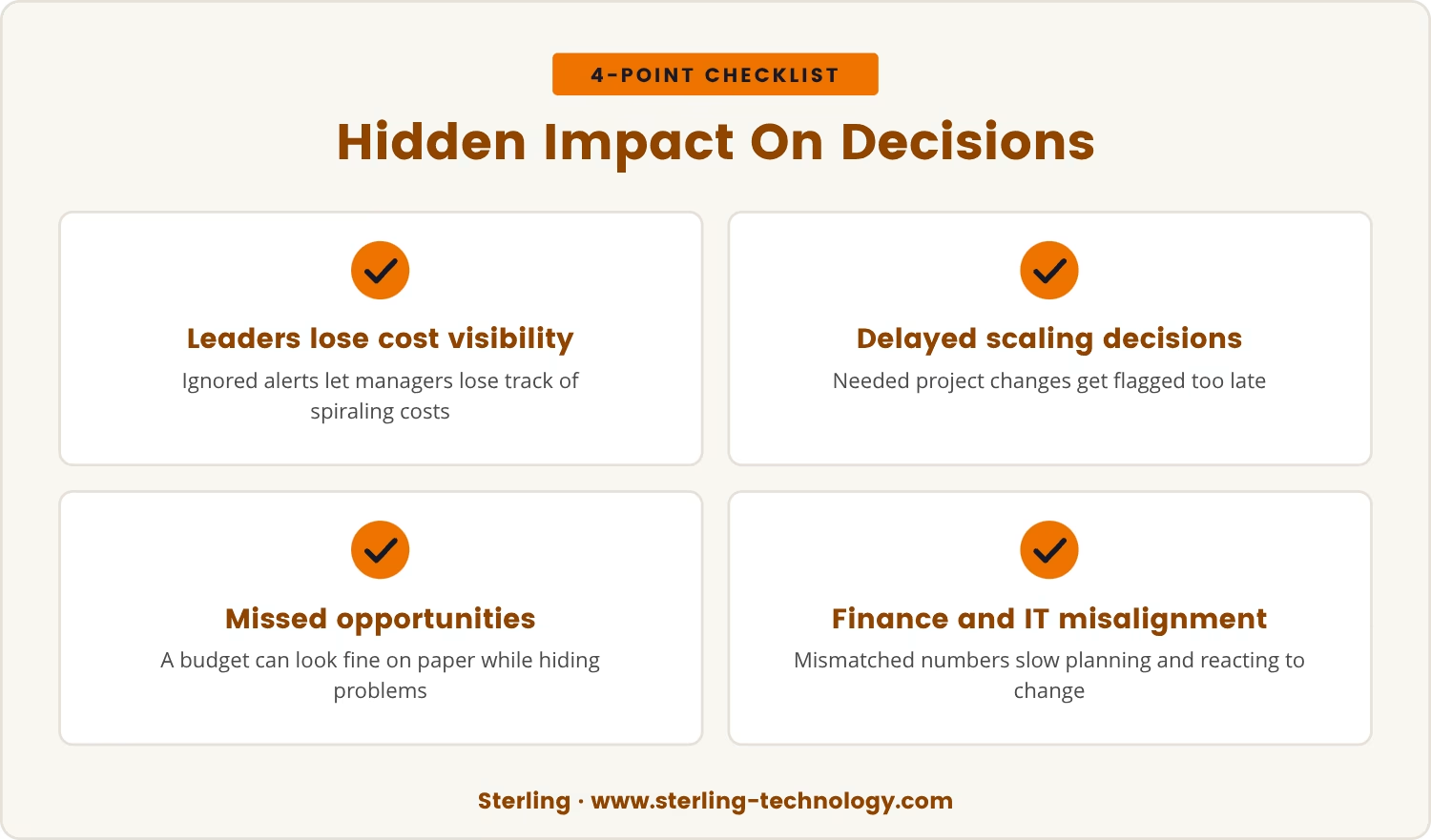
That distrust doesn't stay contained to IT. Business leaders depend on alerts being accurate and timely to make calls about budgets, and when the alert system gets ignored, managers can lose track of costs spiraling without realizing it.
The practical cost shows up in timing: decisions to scale back a project or shift resources elsewhere get delayed because nobody flagged the need soon enough. In some cases, a team misses a real opportunity simply because the budget looked under control on paper when it wasn't.
This same breakdown reaches into how teams collaborate. When finance and IT stop trusting the same numbers, planning gets harder and reacting to sudden change gets slower, since neither side can be sure the other is working from the same picture.
Azure cost management: More than just setting alerts
Fixing that gap starts with recognizing that Azure cost management was never meant to be alerts alone. Cost analysis tools break down spending by department, project, or resource, which makes it possible to catch a trend forming before it turns into a problem that needs an alert at all.
Budgets add another layer, letting a team set spending limits and track progress against them over time. But a budget that only talks through alerts is a budget being watched through a narrow lens, and the bigger picture tends to need regular reviews and detailed reports to come into focus.
Exporting cost data to a tool like Power BI extends that picture further, since it doesn't just confirm that a budget's been exceeded—it helps explain why. Put cost analysis, budgets, and exports to work together, and the result is a cost management system that doesn't depend on any single alert doing its job perfectly.
How alert fatigue quietly undermines your controls
That dependency is exactly what alert fatigue exploits, and it rarely announces itself. It builds gradually, as a team grows used to seeing the same messages repeat without consequence. Here's how that slow erosion plays out in practice:
Alerts become background noise
Frequent alerts that rarely signal a real problem start blending into the daily routine. Eventually, a team may stop reading them at all.
Real issues get missed
A critical alert that looks identical to a dozen routine ones is easy to overlook, and that resemblance is exactly what lets real overspend slip through unnoticed.
Trust in the system erodes
Once alerts get ignored often enough, people stop believing the system serves any purpose, which makes it harder to win support for cost management efforts going forward.
Teams rely on manual checks
Lacking confidence in alerts, teams fall back on manual reviews instead, a shift that costs more time and opens the door to human error.
Overspend becomes a surprise
With no one actively watching the alerts, a budget overrun can run unnoticed until it's past the point of an easy fix.
Building trust in Azure cost controls for Charlotte businesses
For Charlotte businesses, where cloud spending decisions carry real weight, a dependable alert system is only one piece of the answer—what makes the difference is a process people actually trust and use. That trust starts with an honest look at how the team currently responds to what they're sent.
Worth asking directly: are alerts prompting action, or just getting cleared out of an inbox? If the answer points to the latter, the alert approach needs rethinking before anything else changes.
Fewer alerts, each tied to a real need for action, tend to hold attention better than a high volume of marginal ones. Paired with regular reviews and detailed cost analysis, they keep a team engaged with what the numbers are actually saying rather than numb to the notifications themselves.
A team that trusts its system reacts faster when conditions shift, and that speed is what keeps a surprise overrun from turning into a crisis.

Practical steps to keep your alerts effective
- Set clear thresholds: Only trigger alerts for spending levels that require immediate action.
- Review alert frequency: Too many alerts can cause fatigue. Adjust settings to reduce noise.
- Use cost analysis tools: Go beyond alerts with regular reviews in the Azure portal or Power BI.
- Train your team: Make sure everyone understands what each alert means and what to do when one appears.
- Audit alert responses: Check how often alerts lead to action. If they're ignored, find out why.
- Combine alerts with reports: Use scheduled reports to provide context for alerts and support better decisions.
Rethinking your cost management strategy
Treating alerts as the last word in cost management carries real risk, because a system nobody trusts tends to fail exactly when it's needed most. The sturdier approach treats alerts as one piece of a larger strategy, built alongside regular reviews, detailed analysis, and team training.
A process people trust is what keeps the hidden dangers of alert fatigue from taking hold, and it's what keeps Azure spending under control for the long run.

What to do when cost alerts lose their impact
Many businesses with 20 to 80 employees find themselves relying on alerts that their teams have started to ignore, leaving them open to budget surprises. At Sterling, we understand how easy it is for cost controls to become background noise instead of a real safety net.
We invite you to see how our team approaches cost management differently—let’s talk about your current setup and how you can build a process your team will trust.
Worried about missing urgent cost alerts?
You can count on an average response and resolution time of only 30 minutes when you need support with your Azure cost management alerts.
Frequently asked questions
How can I reduce unnecessary Azure cost management alerts?
Review current alert settings and remove any that don't require immediate action, keeping the focus on key budget thresholds and genuine risks rather than every small fluctuation. A shorter, sharper list of alerts helps a team pay attention to the ones that actually matter.
What are the benefits of using Power BI for cost analysis?
Power BI visualizes and analyzes Azure spending in more depth than standard reports allow. Custom dashboards, trend tracking, and shareable insights make it easier to catch problems early and base decisions on a clear picture of the data.
How do Azure reserved instances guide my budgeting?
Azure reserved instances allow a commitment to specific resources over a set period, often at a lower cost than pay-as-you-go pricing. Planning usage in advance and locking in rates this way makes spending more predictable and reduces the chance of unexpected charges.
What should I do if my team ignores cost alerts?
Start a conversation with the team to understand why the alerts aren't landing, then adjust settings to cut down on noise and provide training on what each alert actually means. Regular reviews on top of that keep everyone engaged with cost management over time.
Can I automate cost data exports for better reporting?
Yes, exports of Azure cost and usage data can be scheduled directly to tools like Power BI or Excel. That automation makes it far easier to build custom reports and track spending over time without manual effort.

Landon Carter
Outside of work I enjoy traveling with my wife and son, helping coach little league baseball teams, and cheering on the Carolina Panthers.


