EHR Hosting: Does More Storage Always Mean Better Performance?
November 23, 2026

Hosting an EHR in the cloud can actually slow down your daily operations if the plan is sized for storage instead of for simultaneous users. Even with plenty of space, staff may experience frustrating delays during peak times.
A practice that loses screen responsiveness at the front desk doesn't just lose a few seconds — it loses check-in time, visit time, and eventually patient trust, and none of that shows up on the invoice for extra storage.
EHR hosting gets sold on the promise that moving records to the cloud frees small practices from maintaining their own servers, letting staff reach patient data from anywhere with less IT overhead to manage. That promise holds up only as far as storage goes, because when a practice chooses a cloud EHR for small practice setups, the hosting plan typically gets sized around how much space files and records require. What that sizing leaves out is how the system behaves when several people use it at the same moment.
If your EHR hosting plan is built around storage size but not the number of simultaneous users, your staff can end up waiting for screens to load during busy periods. That wait is not a minor annoyance; it ripples through the whole workflow and, from there, into the quality of patient care.
Seeing why takes a quick look at what hosting plans actually govern. Providers set terms around bandwidth, server resources, and user limits, and those technical details decide whether daily operations run smoothly or stall. A setup worth paying for matches real-world use, not just the size of the data sitting in storage.

The hidden bottleneck: Why user limits matter more than storage
Many practices in Charlotte shop for EHR hosting on the strength of generous storage limits, yet storage says nothing about what happens the moment several staff members log in together. That moment is where the hosting plan's real structure shows itself.
Most cloud-based EHR systems are built to handle multiple users, but if a provider allocates resources by storage alone, the system can run short on processing power or bandwidth exactly when the team needs it most, during peak hours. The result: slow load times, screens that lag, and staff who lose patience with the tool meant to save them time.
Underneath that frustration sits a simple distinction: storage and user capacity solve two different problems. Storage holds your data; user capacity decides how many people can work against that data at once. Overlook the second, and the workflow absorbs the cost.
How workflow slows when EHR hosting plans miss the mark
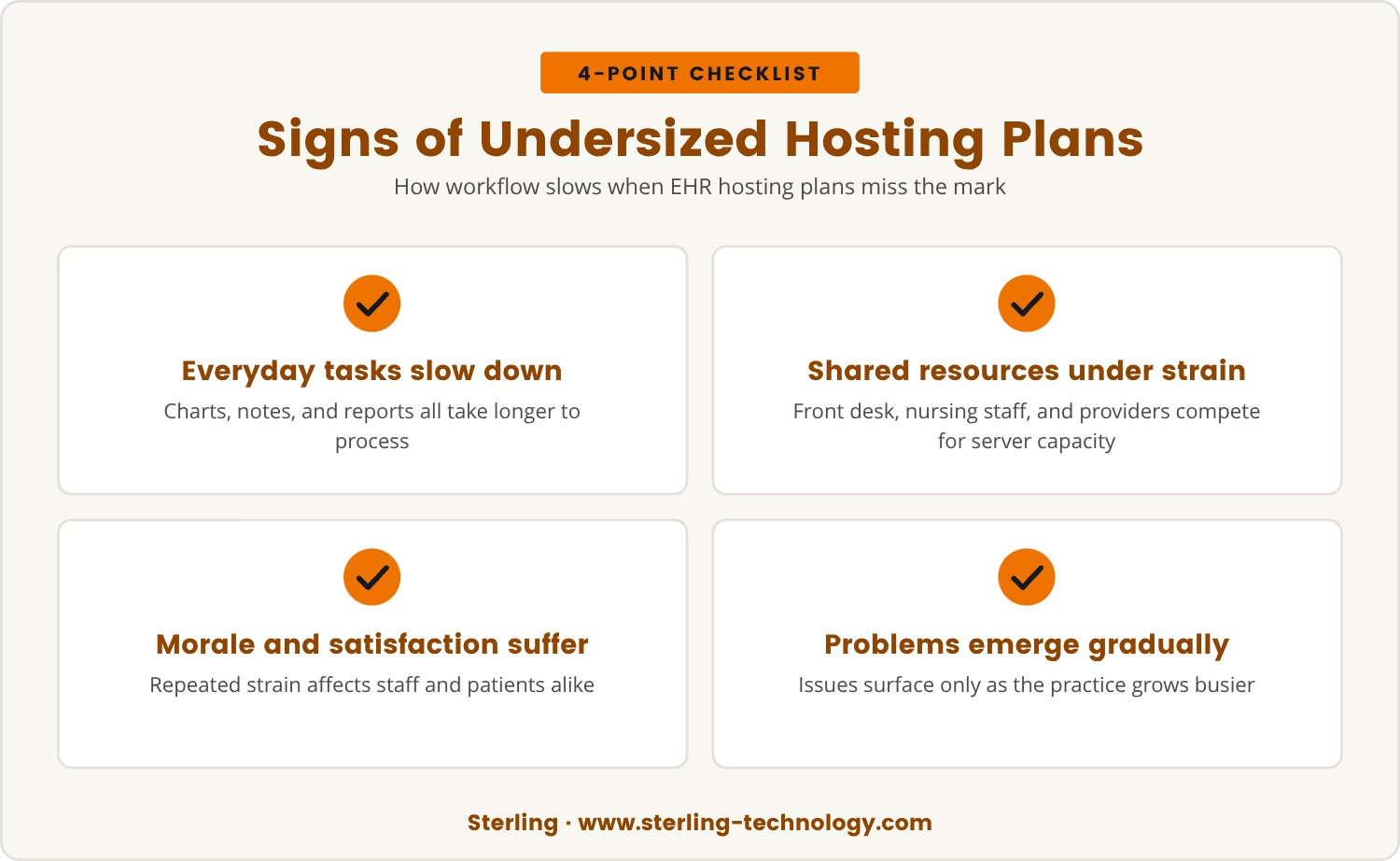
A plan sized for storage but not for simultaneous users shows its limits in the ordinary rhythm of a workday. Charts take longer to open, notes take longer to save, reports take longer to run, and each delay compounds the next.
Picture the front desk, the nursing staff, and the providers all working the system in the same stretch of time. The server has to split limited resources across every one of them, and when it can't keep pace, the strain surfaces as bottlenecks at check-in, longer waits for patients, and slower updates to health records. Repeated enough times, that strain wears on staff morale as much as on patient satisfaction.
None of this is obvious on day one. A new system handles a handful of users without complaint, and only as the practice grows or the schedule fills up do the cracks start to show. That delay is exactly why storage can't be the only measure applied when evaluating a hosting option.
EHR hosting: What to ask before you commit
Picking the right EHR hosting option starts with asking pointed questions before signing anything. Focus on these areas:
- Simultaneous user support: How many users can access the system at the same time without slowdowns?
- Performance during peak hours: What happens when everyone logs in at once? Is there a history of lag or downtime?
- Scalability: Can the hosting plan grow with your practice, both in storage and user capacity?
- Bandwidth and server resources: Are these sized for your workflow, not just your data?
- Support for Charlotte regulations: Does the provider understand local compliance needs, such as HIPAA requirements?
Working through these questions up front keeps you from landing on a plan that reads well in a sales deck but buckles under actual use.
Signs your EHR hosting plan is holding you back
Spotting a hosting problem isn't always straightforward, since the symptoms often look like ordinary workflow friction. Watch for these warning signs instead:
- Frequent slowdowns: Staff regularly wait for screens to load, especially during busy periods.
- User complaints: Team members mention lag or system freezes when several people are logged in.
- Delayed updates: Patient data takes longer to save or retrieve, affecting care decisions.
- Inconsistent uptime: The system is sometimes unavailable or crashes without warning.
- Limited support: Your hosting provider doesn't respond quickly to performance issues.
Once two or three of these show up together, it's worth pulling back the curtain on the hosting setup and asking whether it still fits what the practice actually needs.
The technical side: How server resources impact workflow
Behind every slowdown sits a specific resource falling short, so understanding each one clarifies what to negotiate for. Here's how the pieces fit together.
Processing power
The server's CPU carries the load of every calculation and data request moving through the system. Pack too many active users onto it, and performance drags for everyone at once.
Memory (RAM)
RAM is what lets the server keep active data within easy reach. Too little of it, and the system labors through tasks that should be instant, producing the delays staff feel firsthand.
Bandwidth
Bandwidth sets the ceiling on how much data can travel between the practice and the cloud at any moment. A connection too narrow for the job slows everyone down together, especially once large files start moving.
User session limits
Some hosting plans cap how many sessions can run simultaneously. Cross that cap, and new users either get locked out or stuck with severe lag.
Storage speed
Storage capacity is only half the story; how fast that storage reads and writes data is the other half. Slow storage drags down the entire system regardless of how much room is left in it.
Disaster recovery
Disaster recovery features matter, but they solve a different problem entirely. None of them fix the daily drag caused by resources that are already stretched too thin.
Why Charlotte practices need more than just storage
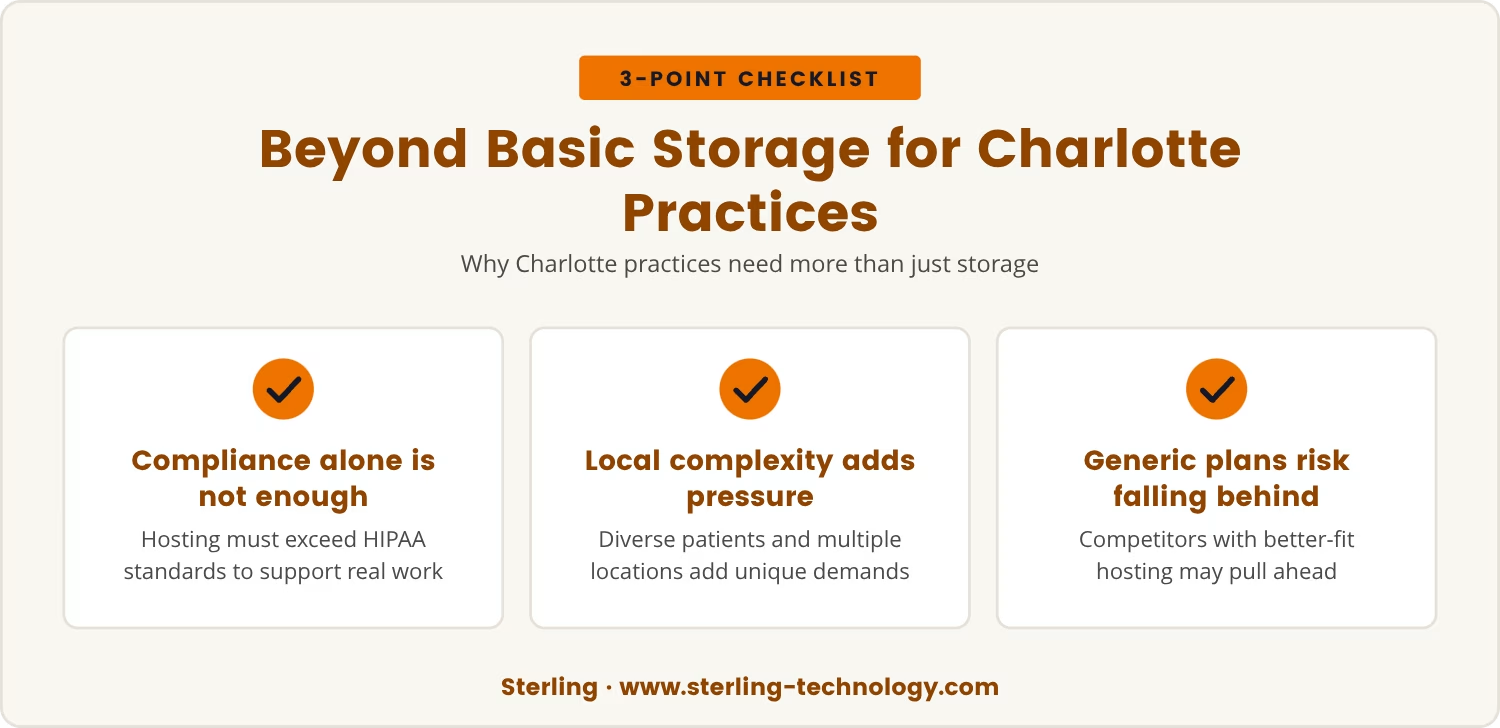
Reliable EHR hosting for practices in Charlotte has to clear a higher bar than HIPAA-compliant hosting standards alone. The real measure is whether the whole team can work efficiently straight through the busiest stretch of the day.
Local practices tend to carry their own complications on top of that baseline, from serving a diverse patient base to coordinating across multiple locations. A hosting plan built around someone else's workflow instead of your own risks letting competitors who invested in the right fit pull ahead.
Does your current setup support every member of your team during peak hours, or do you see slowdowns when the office is full? The answer says a great deal about whether the hosting plan is helping the business or quietly working against it.
Avoiding workflow slowdowns: What to look for in a hosting option
Not every EHR hosting option is built to the same standard, so comparing providers means looking past the headline storage numbers. Prioritize these features instead:
- User-based resource allocation: Plans that scale resources based on user count, not just storage size.
- Transparent performance guarantees: Clear commitments on uptime and response times.
- Flexible scalability: The ability to add users or resources as your practice grows.
- Responsive support: Fast help when you need it, especially during busy periods.
- Proven track record: Providers with experience supporting healthcare organizations of your size.
A provider that checks these boxes supports the day-to-day workflow instead of quietly working against it.
Rethinking EHR hosting for better daily performance
Set the marketing language aside, and EHR hosting comes down to one practical question: can every logged-in staff member reach patient data quickly and reliably, even at the busiest moment of the day? Storage alone never answers that question.
A plan that leaves people watching a loading screen is a sign to revisit what the practice actually needs from its hosting provider. Weighing user capacity and workflow support as heavily as storage is often what separates a hosting setup that helps from one that quietly gets in the way.

How Sterling helps practices avoid hidden workflow slowdowns
Many practices with 20 to 80 employees find themselves stuck with EHR systems that lag when several users log in at once. At Sterling, we know how frustrating it is to watch your team lose time to slow technology.
We invite you to see how we approach EHR hosting differently—starting with a conversation about your real workflow and user needs, not just your storage size.
Want faster EHR support when it matters?
Get an average response and resolution time of only 30 minutes when you qualify for Sterling’s support—so your team spends less time waiting and more time caring for patients.
Frequently asked questions
How does cloud hosting affect EHR performance for small practices?
Cloud hosting can improve access and cut down on IT maintenance, but performance can still drop during busy periods if the plan isn't sized for how many people actually use the system. Confirming that a provider allocates resources for real usage patterns, not just data volume, is the way to avoid that gap.
What should I ask my EHR vendor about HIPAA compliance?
Ask how the hosting solution satisfies HIPAA requirements, covering data encryption, access controls, and audit trails. A vendor should also be able to produce documentation and support during a compliance audit without delay.
Can moving to a managed hosting solution help with workflow issues?
A managed hosting solution can ease workflow problems through proactive monitoring and support, which tends to cut down on downtime. That benefit still depends on the plan being sized for actual user count rather than storage alone.
What's the difference between in-house and third-party hosting?
In-house hosting keeps servers and infrastructure under the practice's own control, along with the maintenance and security work that control requires. Third-party hosting hands those tasks to an outside provider, making it worth confirming that the provider understands the practice's specific workflow needs.
How can I improve uptime for my electronic health record system?
Strong uptime starts with choosing a provider that has a solid track record and clear service level agreements. Regular patching, redundant systems, and support that responds quickly round out what keeps an EHR system available when it's needed most.

Landon Carter
Outside of work I enjoy traveling with my wife and son, helping coach little league baseball teams, and cheering on the Carolina Panthers.


