Microsoft 365 Nonprofit: Why Proof Matters More Than Purpose
October 7, 2026
Whether your nonprofit is large or small, your eligibility for Microsoft 365 discounts depends on the documentation you submit—not your mission or size. Missing or incorrect paperwork can delay or prevent access to the licenses you need.
When a single missing form stands between a nonprofit and its discount, the cost isn't abstract: it's weeks of delay, staff working without the tools they were promised, or a budget line that assumed savings that never arrive. Qualifying for Microsoft 365 nonprofit pricing hinges on paperwork most organizations underestimate.
That underestimation is what causes the trouble. One incomplete form, one outdated letter, and an application that looked ready can stall for weeks or get rejected outright, even when the organization's mission and size aren't in question. The process rewards precision, not reputation.
Microsoft 365 nonprofit plans exist for eligible charitable organizations, but "eligible" is a status you have to prove, not a status you're assumed to have. Knowing exactly what counts as proof is what separates a smooth approval from a frustrating back-and-forth.

The real gatekeeper: Documentation, not mission
A recognizable cause feels like it should be enough, which is why so many nonprofits assume their mission alone earns them discounted Microsoft 365 plans. In practice, the deciding factor is narrower and more mechanical: the documentation submitted to prove charitable status.
Microsoft checks that paperwork against specific requirements, so a widely known cause still needs the right legal documents behind it. Skip one, and the application stalls or gets denied regardless of how clear-cut the organization's charitable work seems.
That standard doesn't bend for scale. An organization with 20 employees and one with 2,000 face the same review, focused on legal standing rather than headcount or mission type, and that holds in Charlotte exactly as it does everywhere else.
What Microsoft 365 nonprofit eligibility really asks for
Since legal status is the deciding factor, eligibility review centers on recognition as a charity rather than on reputation. Microsoft will typically require:
- Proof of charitable registration: Documents that show you are officially recognized as a nonprofit by the appropriate government body.
- Tax-exempt status: For U.S. organizations, this usually means providing your IRS determination letter.
- Organizational details: Information about your structure, such as your bylaws or articles of incorporation.
- Active operations: Evidence that your nonprofit is currently operating and not just registered on paper.
Miss any one of these, or let one go stale, and the application can stall right there. Every detail carries weight because the review exists specifically to prevent misuse of the discount.
Microsoft 365 nonprofit: Common pitfalls in the application process
Because the requirements are so specific, small oversights are usually what trip organizations up rather than any real question about eligibility. A handful of mistakes account for most delays:
Submitting incomplete paperwork
Missing or partial documents are one of the top reasons applications get delayed. Double-check that every required form is included before you submit.
Using outdated or incorrect legal names
If your organization's name has changed or doesn't match what's on your official documents, Microsoft may not be able to verify your status.
Not updating tax-exempt status
If your IRS letter or other proof is out of date, your application may be rejected until you provide current documentation.
Assuming size or mission guarantees approval
Even large or well-known nonprofits can be denied if their paperwork isn't in order. The process is the same for everyone.
Overlooking local requirements
Some states or cities, including Charlotte, may have additional registration steps. Make sure your documents reflect all relevant legal requirements.
How documentation standards apply in Charlotte
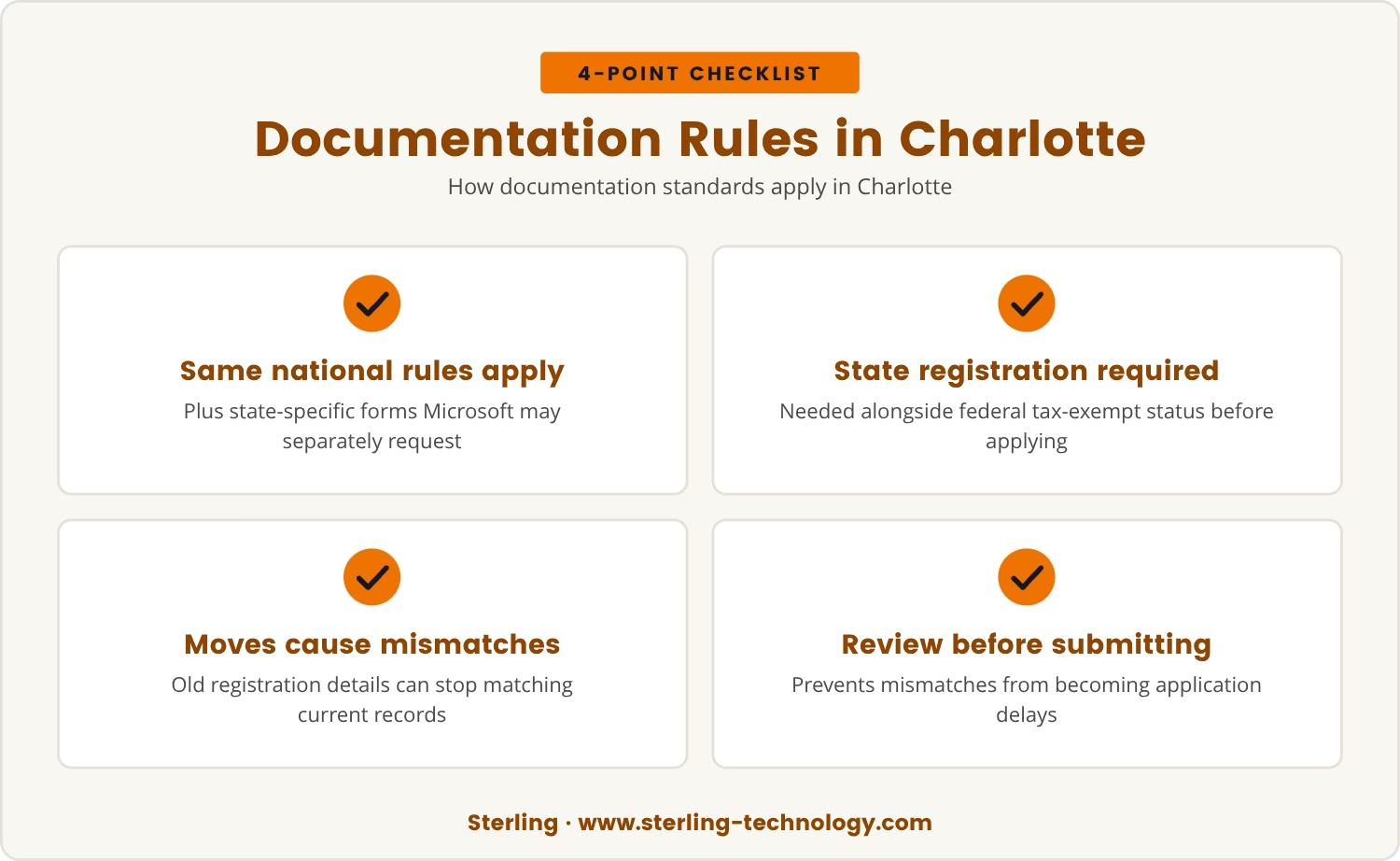
That last pitfall matters most for organizations based locally, since Charlotte nonprofits work under the same national documentation rules as everyone else, with one addition worth flagging: state-specific forms and registration numbers Microsoft may separately request.
North Carolina nonprofits often need proof of state registration on top of federal tax-exempt status, so a Charlotte-based organization should confirm that both sets of paperwork, state and federal, are current before applying.
That extra layer catches organizations off guard most often after a move or a change in legal structure, when old registration details quietly stop matching current records. Reviewing documents before submitting is what prevents that mismatch from turning into a delay.
What to expect after submitting your nonprofit license application
Once the paperwork is in, the process moves through a fairly predictable sequence. Here's what typically happens next:
- Initial review: Microsoft checks your paperwork for completeness and accuracy.
- Follow-up requests: If anything is missing or unclear, you'll receive a request for more information.
- Approval or denial: Once everything is verified, you'll be notified of your status. If approved, you can start setting up your discounted subscription.
- Ongoing compliance: Microsoft may periodically ask for updated documents to ensure your organization remains eligible.
Where organizations gain or lose time is almost always in that follow-up step: replying quickly keeps the review moving, while a slow response, or paperwork that's hard to track down, is what usually stretches the timeline.
Why size and mission don't guarantee a nonprofit discount
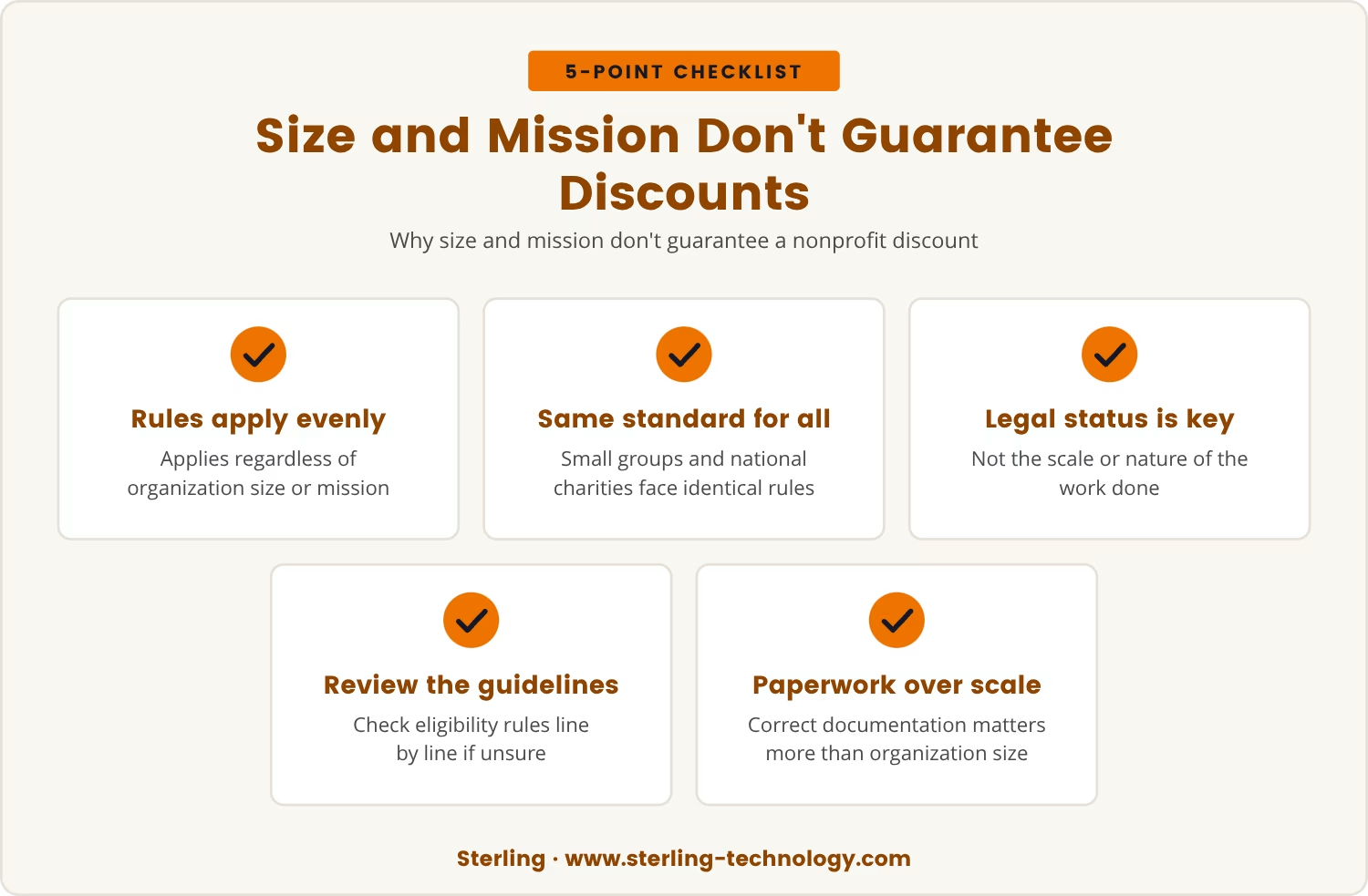
Given how much rides on the follow-up stage, it's worth returning to the assumption that started this whole conversation: that a large organization or a well-known cause should automatically qualify for Microsoft 365 nonprofit pricing. Microsoft's process is built to apply evenly, regardless of size or mission.
So a small community group and a national charity are held to identical documentation standards. What counts is legal status, not the number of people served or the nature of the work done.
If it's unclear whether an organization meets the requirements, the eligibility guidelines are worth reviewing line by line. Having the right paperwork ready matters more than the scale of the operation behind it.
Key steps to avoid delays in your Microsoft for Nonprofits application
- Gather all required documents: Make sure you have your tax-exempt letter, proof of registration, and any state-specific forms.
- Check for consistency: Your organization's name and details should match across all documents.
- Update outdated paperwork: Replace any expired or outdated forms before you apply.
- Respond quickly to requests: If Microsoft asks for more information, reply as soon as possible.
- Keep records organized: Store digital copies of all your documents in a secure, easy-to-access location.
Working through this list before submitting is usually what separates a fast approval from a drawn-out one.
The bottom line: Documentation is the deciding factor
All of this points to the same conclusion: no matter how worthy the mission or how many people an organization helps, Microsoft 365 nonprofit eligibility comes down to the paperwork behind it. Getting that paperwork right from the start means the team gets its tools without unnecessary delay.
Before applying, it's worth setting aside time to confirm every document is current and complete. That effort upfront is what prevents the frustration of a stalled application later.

How Sterling helps nonprofits avoid costly licensing delays
Many nonprofits with 20 to 80 employees find the Microsoft 365 application process more complex than expected, especially when documentation requirements are unclear. At Sterling, we understand how frustrating it is to have your plans held up by missing or mismatched paperwork.
If you want to see how we approach nonprofit licensing or talk through your own setup, our team is ready to help you get it right the first time.
Faster answers for your nonprofit licensing questions
Nonprofits can count on an average response and resolution time of only 30 minutes when they reach out to Sterling for help with Microsoft 365 licensing.
Frequently asked questions
What happens if my nonprofit license application is denied?
Microsoft usually explains the reason for denial and allows resubmission with corrected or additional documents. Review the feedback, update the paperwork accordingly, and reapply with accurate information.
Can I use Office 365 for nonprofits if my organization is not tax-exempt?
No, most nonprofit offers require proof of tax-exempt status. Without that status, an organization won't qualify for the discounted plans.
How long does it take to get approved for a nonprofit discount?
Approval typically takes a few days to a couple of weeks, though incomplete paperwork or additional information requests can extend that timeline.
Is there a difference between nonprofit offers and regular business subscriptions?
Yes, nonprofit offers are built specifically for eligible charitable organizations and often carry discounted pricing or added features compared to standard business subscriptions, contingent on meeting Microsoft's eligibility requirements.
Can I switch to a different Microsoft 365 plan after approval?
Yes, once nonprofit status is verified, an organization can choose among different Microsoft 365 plans suited to its needs, provided any changes still align with Microsoft's eligibility guidelines.

Landon Carter
Outside of work I enjoy traveling with my wife and son, helping coach little league baseball teams, and cheering on the Carolina Panthers.


