Proactive Managed IT Services: Boost Productivity & Monitoring | Predictable Support
April 30, 2026
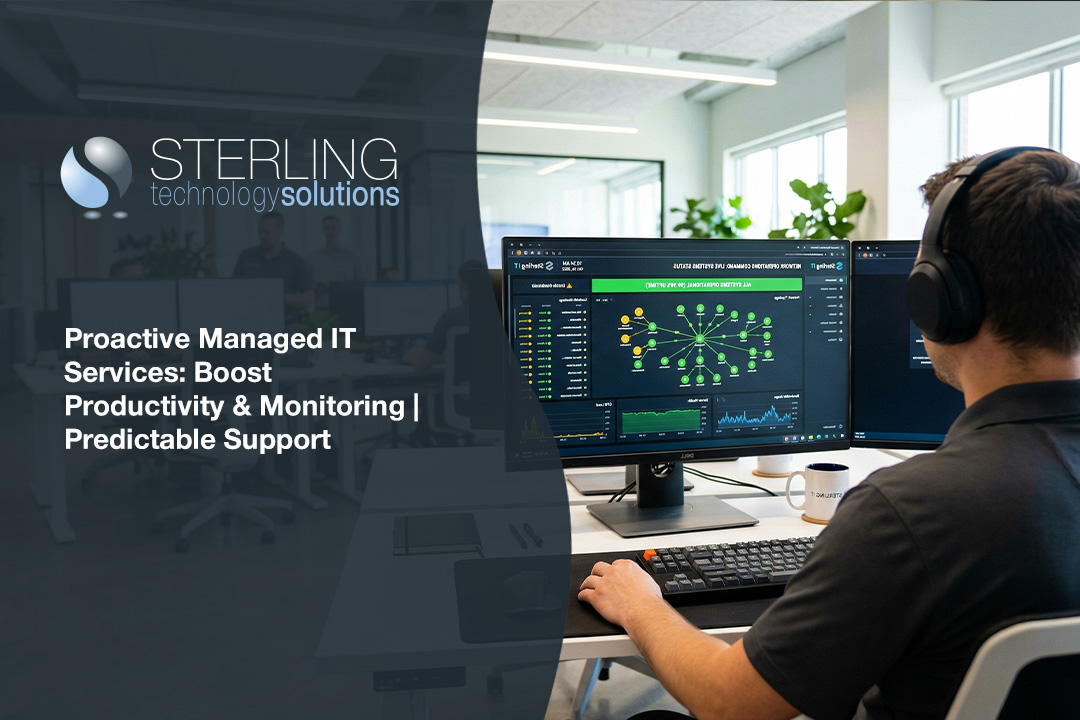
Businesses today rely on technology for almost every operation, from communication to sales. If your systems go down, even for a short time, it can cost you money and trust. This blog will explain how proactive managed IT services help you avoid these problems, keep your infrastructure running smoothly, and minimize downtime. We’ll cover what Proactive managed IT services are, how they differ from reactive support, the benefits for small businesses, and practical steps for implementation. You’ll also learn about monitoring, backup, and how to choose the right services company with the right expertise.
What are proactive managed IT services?
Proactive managed IT services are a way for businesses to keep their technology running without waiting for problems to happen. Instead of only fixing things when they break, a managed services provider watches your systems, updates software, and handles maintenance before issues cause trouble. This approach helps you avoid surprise breakdowns and keeps your business moving.
With proactive managed IT services, you get regular monitoring and updates for your computer network. This means someone is always checking for signs of trouble, like slow computers or security risks. By catching these early, you can fix them before they turn into bigger problems that might stop your work or put your data at risk.

How proactive managed IT services outshine reactive support
Choosing proactive managed IT services over reactive IT support can make a big difference in how your business operates. Here are the main ways proactive support stands out:
Mistake #1: Waiting for problems to appear
Many businesses wait until something breaks before calling for help. This reactive approach can lead to longer downtime and lost productivity. Proactive managed IT services spot issues early, so you avoid these surprises.
Mistake #2: Ignoring regular monitoring
Without regular monitoring, small problems can grow unnoticed. Proactive services include constant checks on your systems, which help catch issues before they get worse.
Mistake #3: Overlooking infrastructure updates
Outdated hardware or software can slow you down or create security gaps. Proactive managed IT services make sure your infrastructure gets timely updates, so you stay current and secure.
Mistake #4: Relying on unpredictable support
Reactive IT support can be unpredictable. You never know how long a fix will take or how much it will cost. Proactive managed IT services offer predictable support, so you can plan your budget and avoid surprise expenses.
Mistake #5: Not choosing the right service provider
The right service provider brings expertise and a proactive mindset. If you pick a provider that only reacts to problems, you miss out on the full benefits of proactive managed IT services.
Mistake #6: Forgetting about managed support for growth
As your business grows, your IT needs change. Proactive managed IT services scale with you, making sure your systems keep up with your goals.
Key benefits of proactive managed IT services
Here are some of the top reasons businesses choose proactive managed IT services:
- Fewer unexpected outages and less downtime.
- Regular updates and maintenance keep systems secure.
- Early detection of issues through constant monitoring.
- Predictable monthly costs for support services.
- Access to expert advice and planning for future needs.
- Improved productivity because your team can focus on their work, not IT problems.

Why proactive managed IT services boost productivity
Proactive managed IT services help your team work without interruptions. When your systems are always up and running, your employees can focus on their tasks instead of waiting for problems to be fixed. This steady workflow means projects get done faster, and customers are happier.
Another benefit is that proactive managed IT services help you plan for the future. By looking ahead, your provider can suggest upgrades or changes before you need them. This keeps your technology ready for new challenges and helps your business grow smoothly.
Strategies for maximizing proactive managed IT services
Getting the most from proactive managed IT services takes planning and the right steps. Here are some strategies to help you succeed:
Strategy #1: Set clear goals for your IT support
Decide what you want from your managed support. Whether it’s fewer outages, better security, or faster response times, clear goals help your provider deliver the right services.
Strategy #2: Use cloud services for flexibility
Cloud services make it easier to scale your IT resources up or down as your business needs change. This flexibility is a big advantage of proactive managed IT services.
Strategy #3: Schedule regular scans and updates
Regular scans help find security risks or outdated software. With proactive managed IT services, these checks are done automatically, keeping your systems safe.
Strategy #4: Enable remote access for fast support
Remote access lets your provider fix problems quickly without waiting for someone to visit your office. This speeds up support and minimizes downtime.
Strategy #5: Review your computer network regularly
Checking your computer network helps spot weak points or areas for improvement. Proactive managed IT services include these reviews to keep your systems strong.
Strategy #6: Plan for backup and disaster recovery
A good backup plan protects your data if something goes wrong. Proactive managed IT services help you set up and test backups so you’re always prepared.

Practical steps for implementing proactive managed IT services
Switching to proactive managed IT services doesn’t have to be hard. Start by listing your current IT needs and any problems you’ve faced in the past. Share this information with your provider so they understand your business and can set up the right monitoring and maintenance.
Next, work with your provider to create a schedule for regular updates, scans, and backups. Make sure your team knows who to contact if they notice any issues. Good communication helps everyone stay on the same page and keeps your systems running smoothly.
Best practices for proactive managed IT services
To get the most from proactive managed IT services, follow these best practices:
- Communicate your business goals with your provider.
- Schedule regular reviews of your IT systems.
- Test your backup and recovery plans often.
- Train your staff on security basics and how to report problems.
- Choose a provider with proven expertise and a proactive approach.
- Review your service agreement to make sure it covers your needs.
Following these steps helps you avoid surprises and keeps your business running smoothly.

How Sterling can help with proactive managed IT services
Are you a business with 20 to 80 employees looking for a better way to manage your technology? If you’re growing and want to avoid downtime, Sterling can help you set up proactive managed IT services that fit your needs and budget.
We understand the challenges of keeping your systems running while your business grows. Our team offers expert support, regular monitoring, and practical advice to keep your technology reliable and secure. Contact us today to see how we can help your business thrive.
Frequently asked questions
What makes proactive managed IT services different from traditional support?
Proactive managed IT services focus on preventing problems before they happen, while traditional support usually reacts after an issue has already caused downtime. With proactive managed IT services, your systems are monitored and maintained regularly to minimize risks. This approach helps small businesses avoid costly interruptions and keeps their infrastructure running smoothly.
A services company with expertise in proactive managed IT services will also help you plan for future needs. They use their knowledge to suggest upgrades or changes that keep your technology up to date and reliable.
How do proactive managed services improve productivity?
Proactive managed services help your team stay focused by reducing unexpected IT problems. Regular monitoring and maintenance mean fewer disruptions, so your employees can work without delays. This leads to higher productivity and better results for your business.
By working with a provider that understands your business, you can leverage their expertise to set up systems that support your goals. This proactive approach helps you avoid downtime and keep your projects on track.
What monitoring tools are included in proactive managed IT services?
Most proactive managed IT services include monitoring tools that check your computer network for issues like slow performance or security risks. These tools alert your provider to problems early, so they can fix them before they get worse. This helps minimize downtime and keeps your business running.
Monitoring also includes regular checks of your backup systems and software updates. By staying on top of these tasks, your provider helps you avoid data loss and security threats.
Why is reactive IT support less effective than proactive managed IT services?
Reactive IT support only steps in after something has gone wrong, which can lead to longer downtime and higher costs. Proactive managed IT services, on the other hand, work to prevent problems before they happen. This keeps your infrastructure stable and your business moving forward.
A proactive approach also means your provider is always looking for ways to improve your systems. They use their expertise to suggest changes that help you avoid future issues and keep your technology reliable.
How does a service provider ensure predictable support?
A good service provider offers predictable support by setting clear expectations and providing regular updates. With proactive managed IT services, you know what to expect each month, both in terms of service and cost. This helps you plan your budget and avoid surprise expenses.
Predictable support also means your provider is always available to help with questions or problems. Their expertise ensures your systems are maintained and any issues are handled quickly.
What is the role of managed support in maintaining a secure computer network?
Managed support plays a key role in keeping your computer network secure. Proactive managed IT services include regular updates, security checks, and backup testing to protect your data. This reduces the risk of cyberattacks and data loss.
By working with a provider that understands your needs, you can set up systems that minimize risks and keep your business safe. Their expertise helps you stay ahead of threats and maintain a reliable network.

Landon Carter
Outside of work I enjoy traveling with my wife and son, helping coach little league baseball teams, and cheering on the Carolina Panthers.


